




<
>

Chrysalis Rootkit Search Script
Gallery
Chrysalis Rootkit Search Script
A Windows batch script to help you search for files associated with the Chrysalis backdoor
Just having learned how Notepad++ was compromised in a supply-chain attack, Rapid7 published about the Chrysalis backdoor and some indicators of compromise in the form of filenames and known hashes.
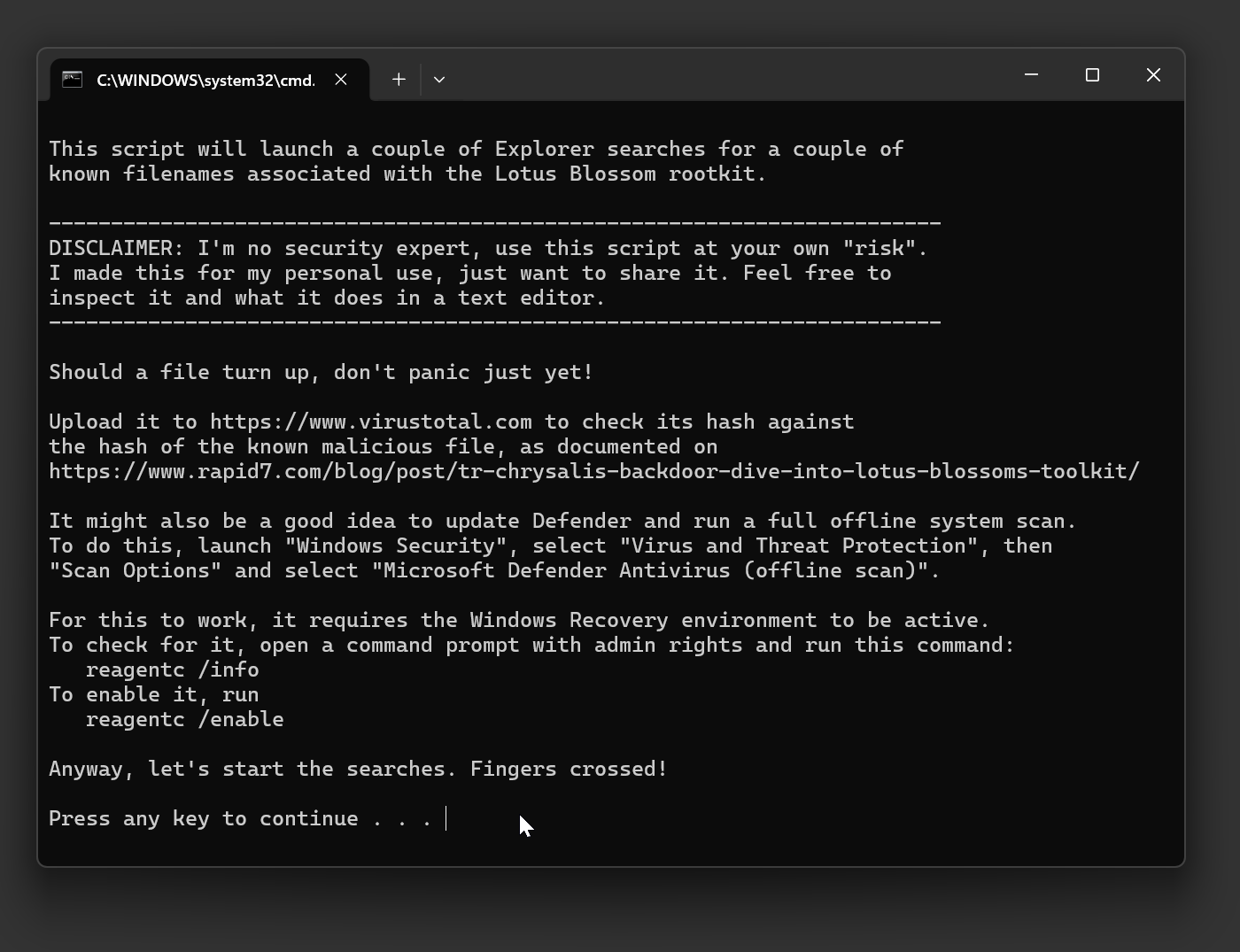
I just coded up this batch script that automates the search for the known files on your system and prints out the respective known malicious hashes for you to check against.
It does not remove these files nor changes anything else, just launch the searches in a bunch of Window Explorer windows and provide some guidance.
Usage
- Run the .bat file from anywhere. Does not need admin privileges.
- The script will search for some known filenames
- Should you have a match, upload it to VirusTotal.com to check its hash
- Compare the hash with the hash of compromised file, even if VirusTotal lists it as clean.
- VirusTotal may also flag some innocuous files as malicious, so be sure to also compare the hash values
Other steps you can take
- Reinstall Notepad++ manually from notepad-plus-plus.org
- Update Windows & Windows Defender
- Run a full Defender system scan
- Nuke and reinstall Windows 🙃
 search-for-chrysalis-backdoor.bat